


Note: Product visuals are presented for illustrative purposes only and may vary slightly in colour, finish, proportions, and final installed appearance. For the most realistic representation, please refer to our Customer Gallery featuring actual installation photos.
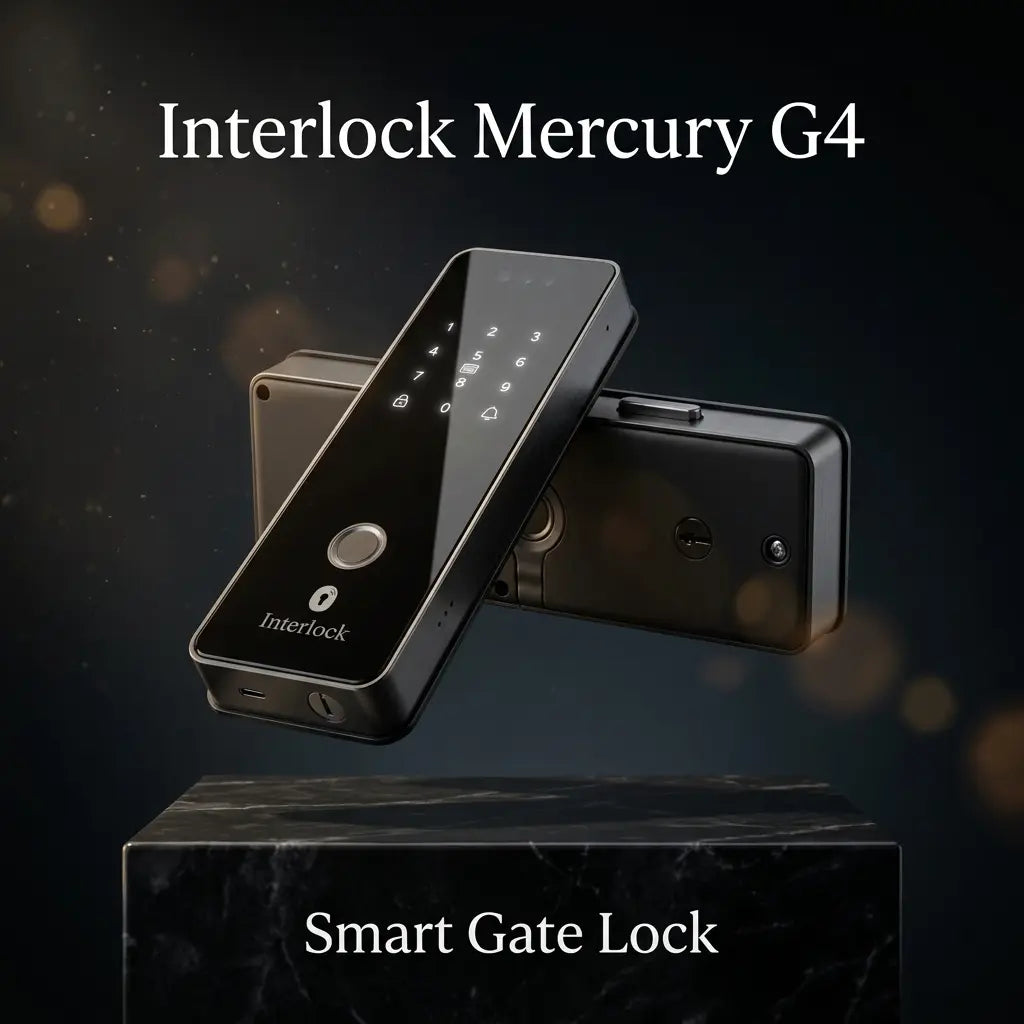


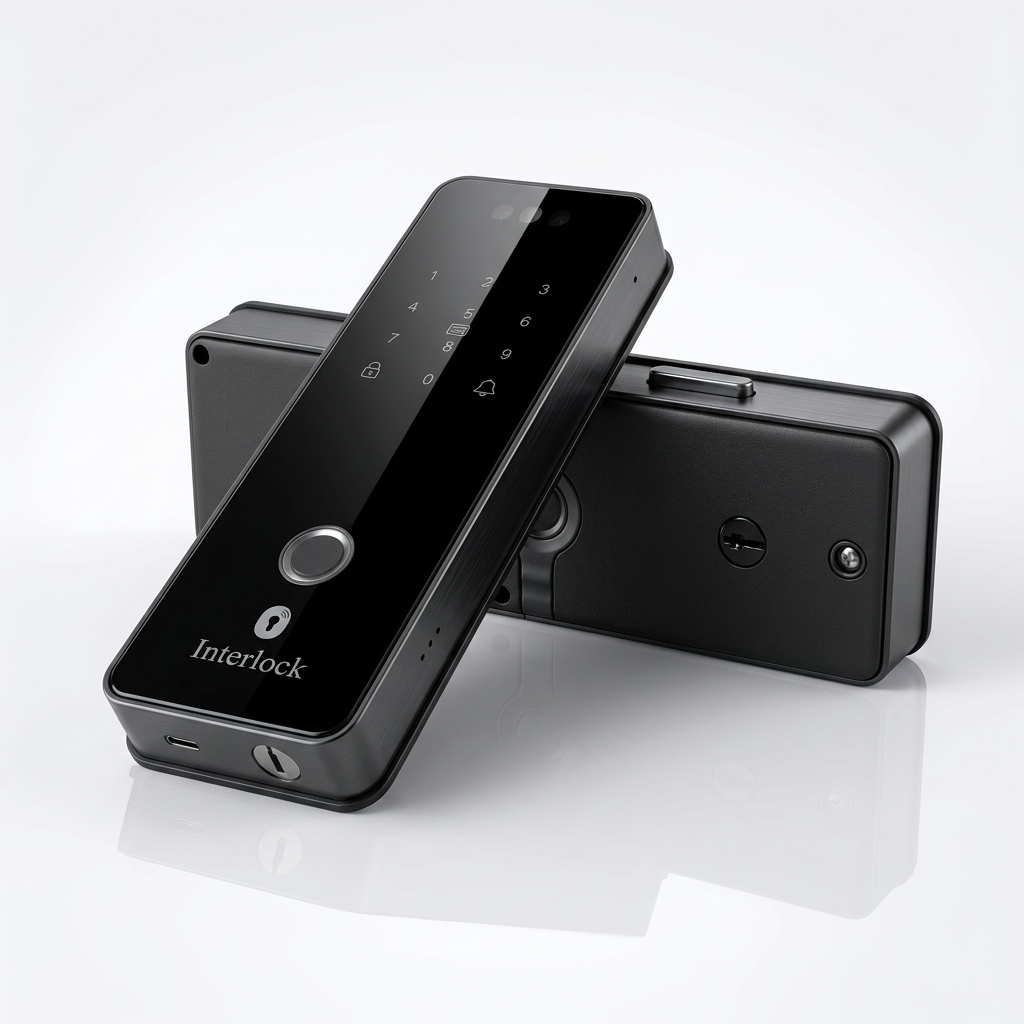
Interlock Mercury G4: the DualKey smart gate lock with face recognition
The Interlock Mercury G4 is a smart gate lock for HDB, condo and landed metal gates, with DualKey mechanical key access from both sides, face and palm vein recognition, a mobile video intercom and motion alerts, plus free installation.
Picture this. Years from now, your gate lock simply stops responding. With most gate locks, that means calling a locksmith from the wrong side of the gate. With the G4, you just use your key.
DualKey gate lock: a key that works from both sides
You've looked after your gate lock well. Charged it before it ran low, never left it charging overnight, swapped the battery the moment the warning came on. But after years of daily use, it's not the battery that fails. It's the motor or the circuit board inside. Electronics don't last forever, however carefully you treat them.
That's when most digital gate locks leave you stuck. They have a mechanical key on one side only, inside or outside. If the key is on the inside and you're coming home, you're locked out. If it's on the outside and you're leaving, you're locked in, waiting for a locksmith.
DualKey gives the G4 an independent mechanical key on both the outside and the inside of the gate. Whatever happens to the electronics, you can always unlock it by hand, from either side. No more locked in. No more locked out.
Few gate locks offer this. It's the backup you hope you'll never need, which is exactly why it matters.
Face recognition gate lock for big households
Three generations under one roof, a helper and a regular cleaner all need access. The G4 has room for up to 50 faces, 50 palms, 200 fingerprints and 1,000 PINs, cards and remotes combined.
Face and palm vein let everyone in hands-free, even grandparents with worn fingerprints, and the fingerprint reader works in about 0.3 seconds.
Mobile video intercom and motion alerts
Someone walks up to your gate while you're at work. The G4 alerts your phone before they've pressed anything. See who it is, talk, and unlock remotely if you're expecting them.
Pair the G4 with a Mercury X2, X5 or X6 door lock and both can be set to unlock together. Buying both? See the Mercury door and gate bundle.
What if the battery runs out?
- Rechargeable lithium battery. Up to 3 months per charge. A monthly top-up is a good habit, but it isn't a must.
- USB-C emergency power from any phone power bank.
- DualKey backup from both sides of the gate, with 2 keys and a remote control included.
If Wi-Fi goes down, everything except the app still works.
Ask us about the G4 on WhatsApp
Digital gate lock for HDB, condo and landed gates, installed free
A matte black aluminium alloy body is built for Singapore's outdoor conditions. Not sure it fits? Send us photos of your gate on WhatsApp for a free Fit Check before you buy. Installation is included. If the lock can't be properly installed and we can't offer a suitable alternative, you won't be charged for the installation.
Real G4 installs by our team
Installed on HDB gates across Singapore, including Tampines.


More photos in the Customer Gallery tab.
A Singapore lock brand that won't disappear on you
Mercury is Interlock's own range, installed and serviced by our in-house team, the same team that has been fitting Singapore homes since 2008. Your Mercury G4 comes with a 1 year onsite warranty, and the people who installed it are the people you call.
Interlock Mercury G4 review: what to know before you buy
What owners love
- DualKey, with a key on both sides of the gate
- Room for 200 fingerprints and 1,000 PINs, cards and remotes
- Face and palm vein unlock at the gate
Good to know before you buy
- It has a single camera. For a second camera that watches parcels, see the G3
- The battery lasts up to 3 months per charge
- It needs a dedicated 2.4GHz Wi-Fi network with its own name (SSID), with signal reaching the gate. Combined 2.4GHz/5GHz networks may not pair
- Some Wi-Fi 7 routers have trouble pairing with smart locks, so a compatible 2.4GHz network may be needed
- Cloud video needs a subscription after the free trial
- Best for sheltered gates, so ask us if yours is exposed to heavy rain
Want a dual camera for parcels? See the Mercury G3. Still deciding? Compare every Mercury model side by side.
Never locked out of your own gate.
Send us your gate photos and we'll confirm the fit and your installed price.
Real installation photos from our customers.
| Model | Interlock Mercury G4 |
|---|---|
| Lock Type | Rim (Gate Lock, DualKey) |
| Unlocking Methods | Face Recognition, Palm Print Recognition, Fingerprint, Password, Magnetic Card, Mechanical Key |
| Connectivity | Built-in Wi-Fi (2.4GHz only, Tuya Smart App) |
| Power Source | 3500mAh, 7.4V lithium battery; 5V/2A USB Type-C emergency power |
| Battery Life | Up to 3 months under typical use; we recommend recharging monthly |
| Warranty | 1 year (onsite, product & battery warranty) |
| Color | Matte Black |
| Dimensions | Front Panel (thickness): 24mm; Main Panel: 75mm (W) x 233mm (H); Lock Catch / Battery Holder: 33mm (W) x 142mm (H); Rear Panel Depth: 33mm-37mm |
| Product Weight | 2kg |
| Key System | DualKey — independent physical key access on both the indoor and outdoor side of the gate (fail-safe against lockout) |
| Fingerprint Speed | ≤ 0.3 seconds |
| Face Recognition Capacity | Up to 50 |
| Palm Print Capacity | Up to 50 |
| Fingerprint Capacity | Up to 200 fingerprints |
| Fingerprint Head | Semiconductor biological recognition |
| Recognition Accuracy | Misidentification rate ≤ 0.0001%, identification rejection rate ≤ 0.0001% |
| Password / Card / Remote Capacity | Up to 1000 groups (combined password + magnetic card + remote control) |
| Static Power Consumption | < 350uA |
| Operating Temperature | -20°C to +60°C |
| Features | Mobile video intercom, motion detection alerts |
Frequently Asked Questions
Have questions? We're here to help you.
Mercury is Interlock's own range of digital locks. It is installed and serviced by our in-house team, the same team that has been fitting Singapore homes since 2008. Your G4 comes with a 1 year onsite warranty, so the people who installed it are the people you call.
Choose the G4 if you want DualKey, a mechanical key on both sides of the gate, plus room for up to 200 fingerprints and 1,000 PINs, cards and remotes. Choose the G3 if seeing parcels matters to you, since its two cameras cover both the visitor and the floor. Both sync with Mercury door locks.
The Interlock Mercury G4 is best suited for homeowners who want a premium smart gate lock with stronger emergency access, hands-free unlocking, visitor monitoring, and remote access. It is designed for Singapore metal gate setups, including common HDB, condominium, and landed property gates.
The Mercury G4 features Interlock DualKey™ Technology, which provides mechanical key access from both the indoor and outdoor sides of the gate. This gives homeowners a stronger emergency backup method, especially since many gate locks in Singapore may only provide mechanical key access from the inside, leaving homeowners at risk of being locked out from outside if the battery is depleted or the electronics fail.
Interlock DualKey™ Technology is a security-first gate lock design that allows mechanical key unlocking from both sides of the gate. This means you have a physical key backup whether you are inside the home or outside the gate.
DualKey™ is useful because many smart gate locks in Singapore may have mechanical key access on the indoor side, but not on the outdoor side. This means homeowners may still be locked out from outside if the lock has a battery issue, electronic failure, or access problem. With DualKey™ access on both sides, the Mercury G4 provides a stronger emergency backup for both entering and exiting the home.
From the outside, the Mercury G4 supports fingerprint, passcode, NFC card or tag, facial recognition, palm vein recognition, WiFi app remote unlock, and mechanical key access.
From the inside, the Mercury G4 supports fingerprint unlocking, mechanical key access, and remote keyfob controller unlocking. This gives household members convenient ways to unlock the gate from both sides.
Yes. The Mercury G4 supports facial recognition, allowing users to unlock the gate hands-free. This is useful when your hands are full or when you prefer not to use fingerprint, PIN code, or access cards.
Yes. The Mercury G4 supports palm vein recognition as one of its biometric access methods. Palm vein access can be useful for users who prefer a contactless biometric method or who may not always get consistent fingerprint recognition.
Yes, the Mercury G4 can be suitable for elderly users because it offers multiple access methods, including facial recognition, palm vein recognition, fingerprint, card or tag, PIN code, app unlock, remote controller, and mechanical key access. This gives the family more flexibility if one access method is less convenient for a particular user.
Yes, children can use suitable access methods such as RFID tag, PIN code, fingerprint, or palm vein recognition depending on their height, habits, and what the family prefers. For younger children, parents may prefer simpler methods such as tags or PIN codes.
Yes. The Mercury G4 supports WiFi app remote unlocking, allowing you to unlock and manage access through the mobile app when the lock is connected to the internet.
Yes, the Mercury G4 supports remote unlocking through the app when connected to WiFi. This can be useful for family members, trusted visitors, helpers, or deliveries, but remote unlocking should only be used when you are sure who is at the gate.
Yes. The Mercury G4 supports mobile video intercom, allowing you to view and speak to visitors through your smartphone. This helps you check who is outside before deciding whether to unlock the gate.
Yes. The Mercury G4 supports motion detection alerts, so you can receive notifications when movement is detected near your gate. This adds awareness for homeowners who want to monitor activity outside their unit.
Basic lock functions do not depend on a paid cloud video subscription. However, extended cloud video storage may require a subscription after the complimentary trial period. Photo snapshots and selected local storage functions may continue to work depending on the app configuration and supported setup.
The Mercury G4 has several emergency access options. It supports low-battery alerts, emergency USB-C power input for temporary power using a portable charger, and DualKey™ mechanical key access from both the indoor and outdoor sides of the gate.
Yes. If the battery is depleted, you can use the emergency USB-C power input to temporarily power the lock with a portable charger. This is meant for emergency access, after which the lock battery should be recharged or replaced according to the recommended usage instructions.
The Mercury G4 needs a dedicated 2.4 GHz WiFi network with its own name (unique SSID). If your router combines 2.4 GHz and 5 GHz under one network name, set up a separate 2.4 GHz network before installation, as combined networks may not pair. The signal also needs to reach the gate. Note: Some WiFi 7 routers have trouble pairing with smart locks, so a compatible 2.4 GHz network may be needed.
Yes. The Mercury G4 still has non-app access methods such as facial recognition, palm vein recognition, fingerprint, PIN code, NFC card or tag, remote controller, and mechanical key access. WiFi is mainly needed for remote app features.
Yes, the Mercury G4 is designed for common Singapore metal gate setups, including HDB gates. However, gate compatibility still depends on the actual gate design, lock area, gate gap, and installation clearance.
Yes, the Mercury G4 can be suitable for condominium and landed property metal gates, depending on the gate structure and installation clearance. A compatibility check is recommended before purchase.
The best way is to send clear photos of your gate before purchase. Our team will check the gate design, lock area, gate gap, and installation suitability before advising if the Mercury G4 is suitable.
You should send clear photos of the front and back of the gate, the current lock area, the gate frame, and a photo showing the door and gate closed together. If possible, also provide the gate-to-door distance so we can check installation clearance.
Not every metal gate is suitable. Some gates may have limited space, unusual lock placement, narrow clearance, or design restrictions. A photo-based compatibility check is recommended before confirming the installation.
Yes. The Mercury G4 includes mechanical keys, which work together with the DualKey™ design to provide physical key access from both the indoor and outdoor sides of the gate.
Yes. The Mercury G4 includes tags or cards. These can be used as a convenient access method for household members.
Yes. The Mercury G4 includes a remote control, which can be used as one of the unlocking methods from inside the home.
Yes, app-based access functions may allow you to manage selected access settings depending on the app configuration. For security, temporary access should only be given to trusted users and removed when it is no longer needed.
The Mercury G4 is designed for Singapore gate environments, but it should still be protected from direct heavy rain exposure where possible. For unsheltered or highly exposed gates, it is best to check suitability with our team before purchase.
The Mercury G4 comes with 1 year local warranty. Warranty coverage may depend on usage conditions, installation conditions, and whether the lock is used within recommended environments.
Yes. Complimentary installation is included for the Mercury G4. Before installation is confirmed, our team will still need to check your gate photos to make sure your gate design, lock area, gate gap, and door-to-gate clearance are suitable.