


Note: Product visuals are presented for illustrative purposes only and may vary slightly in colour, finish, proportions, and final installed appearance. For the most realistic representation, please refer to our Customer Gallery featuring actual installation photos.


Why it matters
Built for how you actually get home.
Pair a Mercury Door Lock with a Mercury Gate Lock
This bundle lets you combine a Mercury door lock — X2, X5 or X6 — with a Mercury gate lock, G3 or G4, for a coordinated door-and-gate setup from the same brand, rather than mixing hardware from two different manufacturers and hoping they play nicely together.
Which Pairing Should You Choose?
If you want the best value, the X2 door lock covers the essentials well — simple, offline, and dependable. If you'd rather step up to biometric access and a sleeker finish, X5 or X6 is the more premium route, with faster verification and richer features on the door side.
Choose Your Gate Lock
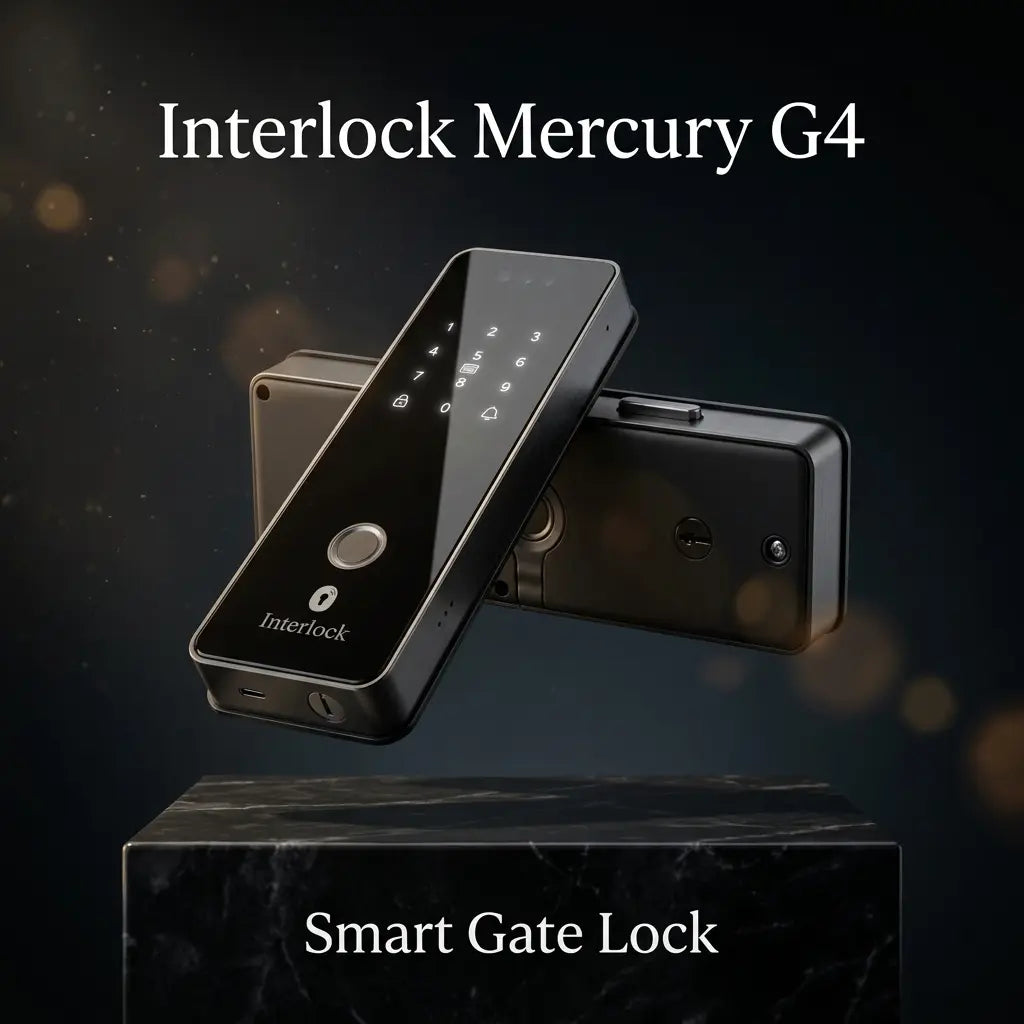
The G3 focuses on dual-camera monitoring for better visitor and parcel visibility, while the G4 focuses on DualKey™ in-and-out gate security, unlocking with a physical key from both sides of the gate for stronger emergency-access redundancy than a single-side override.
Ways to Unlock
Depending on the models you choose, access includes fingerprint, facial recognition, PIN code, RFID card, app access, temporary passcodes, mechanical key, and palm vein authentication on selected models — enough variety that every household member can settle on whichever feels most natural.
Remote Access & Monitoring
Lock and unlock remotely, manage family access, create temporary passcodes, and receive activity notifications through the Smart Life app. Live video intercom lets you see and speak with visitors, with real-time alerts for doorbell presses, tampering and unauthorized access attempts.
Wi-Fi Requirement
The X5, X6, G3 and G4 need a dedicated 2.4GHz Wi-Fi network with its own name (SSID). Combined 2.4GHz/5GHz networks may not pair. The X2 is fully offline and needs no Wi-Fi.
Note: Some Wi-Fi 7 routers have trouble pairing with smart locks, so a compatible 2.4GHz network may be needed.
Power
Built-in USB-C emergency power ports on both locks allow temporary power restoration if the batteries run flat, so a dead battery never becomes a genuine lockout.
Real installation photos from our customers.
| Bundle Contents | 1x Mercury Smart Door Lock (choice of X2, X5, or X6) + 1x Mercury Smart Gate Lock (choice of G3 or G4) |
|---|---|
| Ecosystem Feature | Advanced Dual Synchronised Module (TM) - synchronizes door and gate lock for coordinated unlocking |
| Connectivity Requirement | Dedicated 2.4GHz-only Wi-Fi SSID required prior to installation |
| App | Smart Life app - remote access management, real-time notifications, live video intercom |
| Storage | Complimentary cloud video storage trial; photo snapshots free on rolling 14-day basis; local storage available without subscription |
| Warranty | 1 year (onsite, product & battery warranty) — applies to each component lock in the bundle |
| Full Specifications | Exact unlocking methods, dimensions, power source, and capacity depend on which door lock (X2/X5/X6) and gate lock (G3/G4) variant is selected - see that individual product listing's specification table for full details |
Frequently Asked Questions
Have questions? We're here to help you.
The X5, X6, G3 and G4 need a dedicated 2.4 GHz WiFi network with its own name (unique SSID). If your router combines 2.4 GHz and 5 GHz under one network name, set up a separate 2.4 GHz network before installation, as combined networks may not pair. The X2 is fully offline and needs no WiFi. Note: Some WiFi 7 routers have trouble pairing with smart locks, so a compatible 2.4 GHz network may be needed.